How to Request an Expedited App Store Review
Last updated: August 4, 2026
App review delays can be brutal when you're up against a deadline. The good news? Apple's expedited review option exists exactly for moments like this — you just have to know how to request it. Here's how.
Step 1: Go to the Apple Expedited Review Request Form
Open the official Apple expedited review request page: Apple Expedited Review Request.
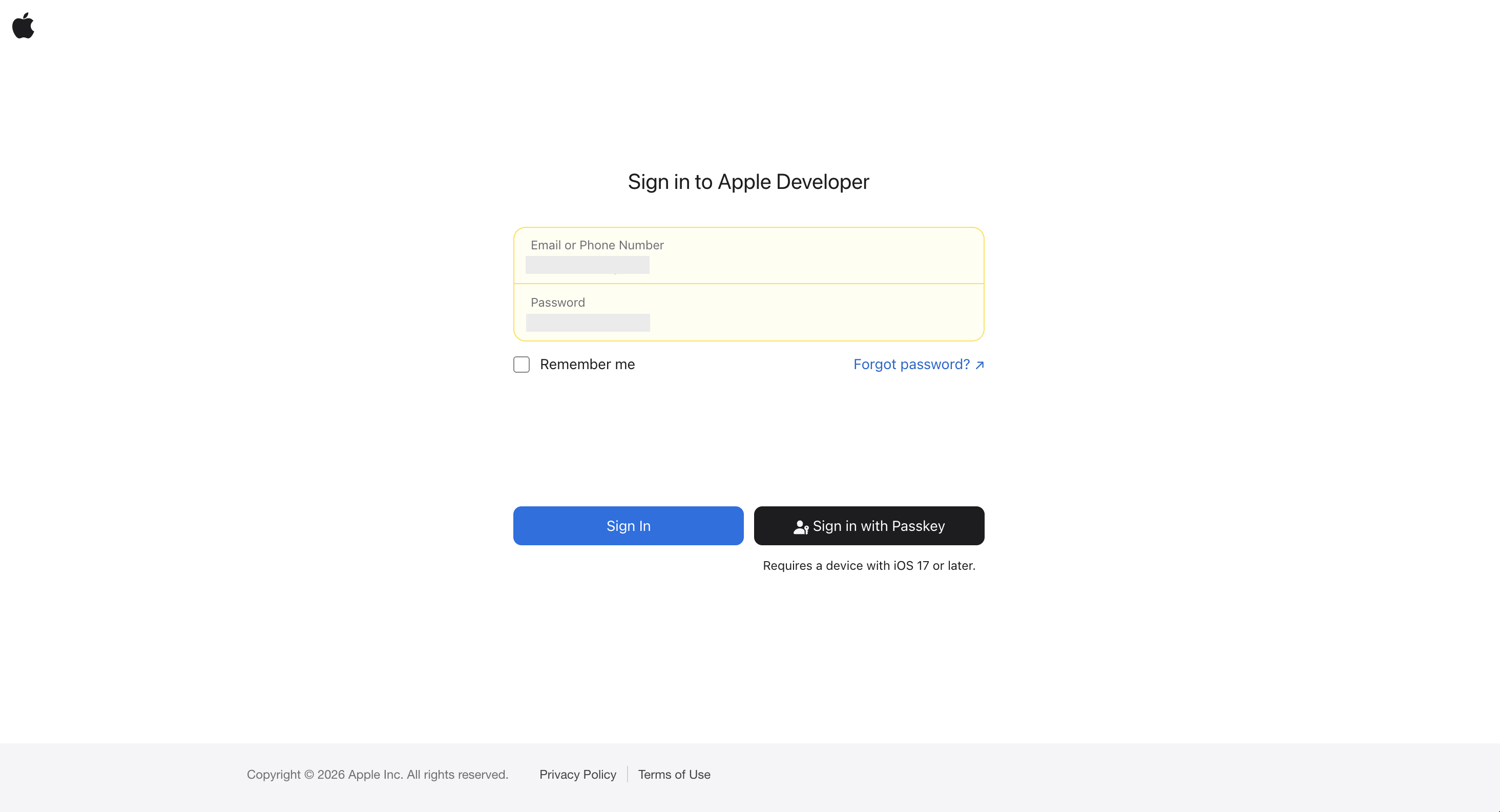
Step 2: Sign in
Log in using your Apple Developer account.
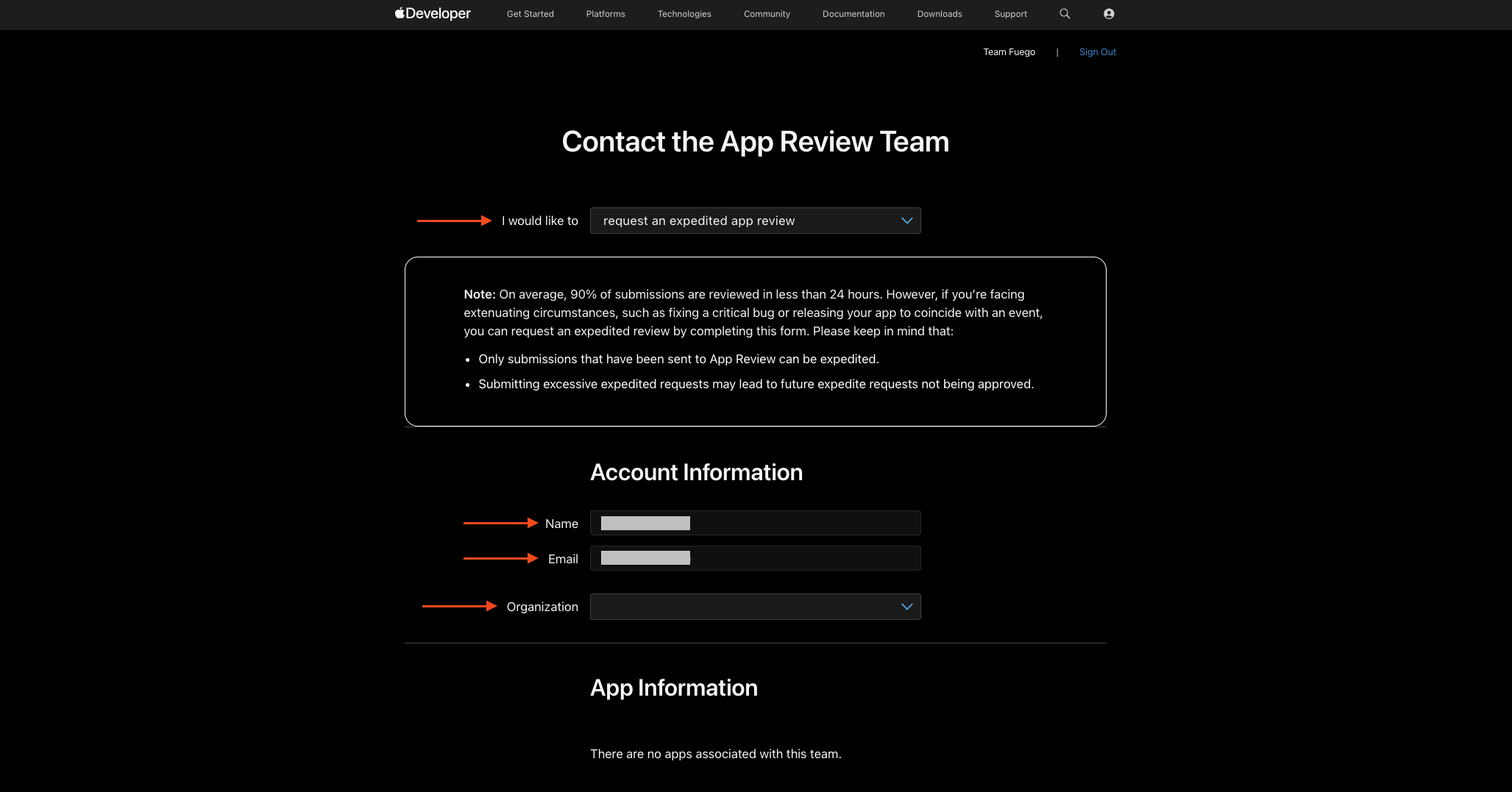
Step 3: Fill Out the Form
Choose “I would like to request an expedited app review”
Fill in the required details for your Apple Developer account.
Choose your Apple Developer organization from the list.
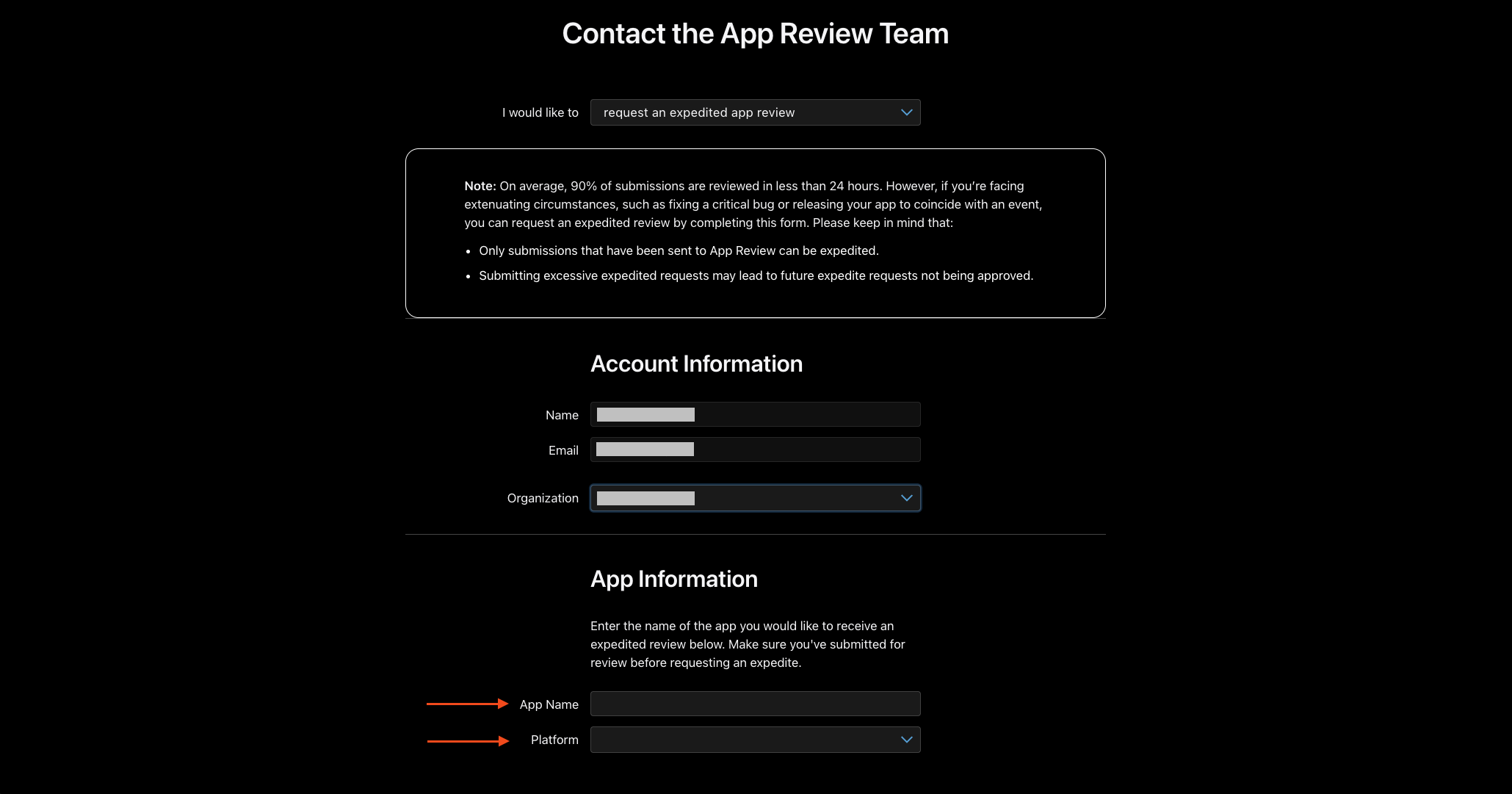
Step 4: Verify Your App Information
After selecting your organization, the App Name and Platform fields will appear. Select the correct app and platform (iOS) , then continue filling out the required fields.
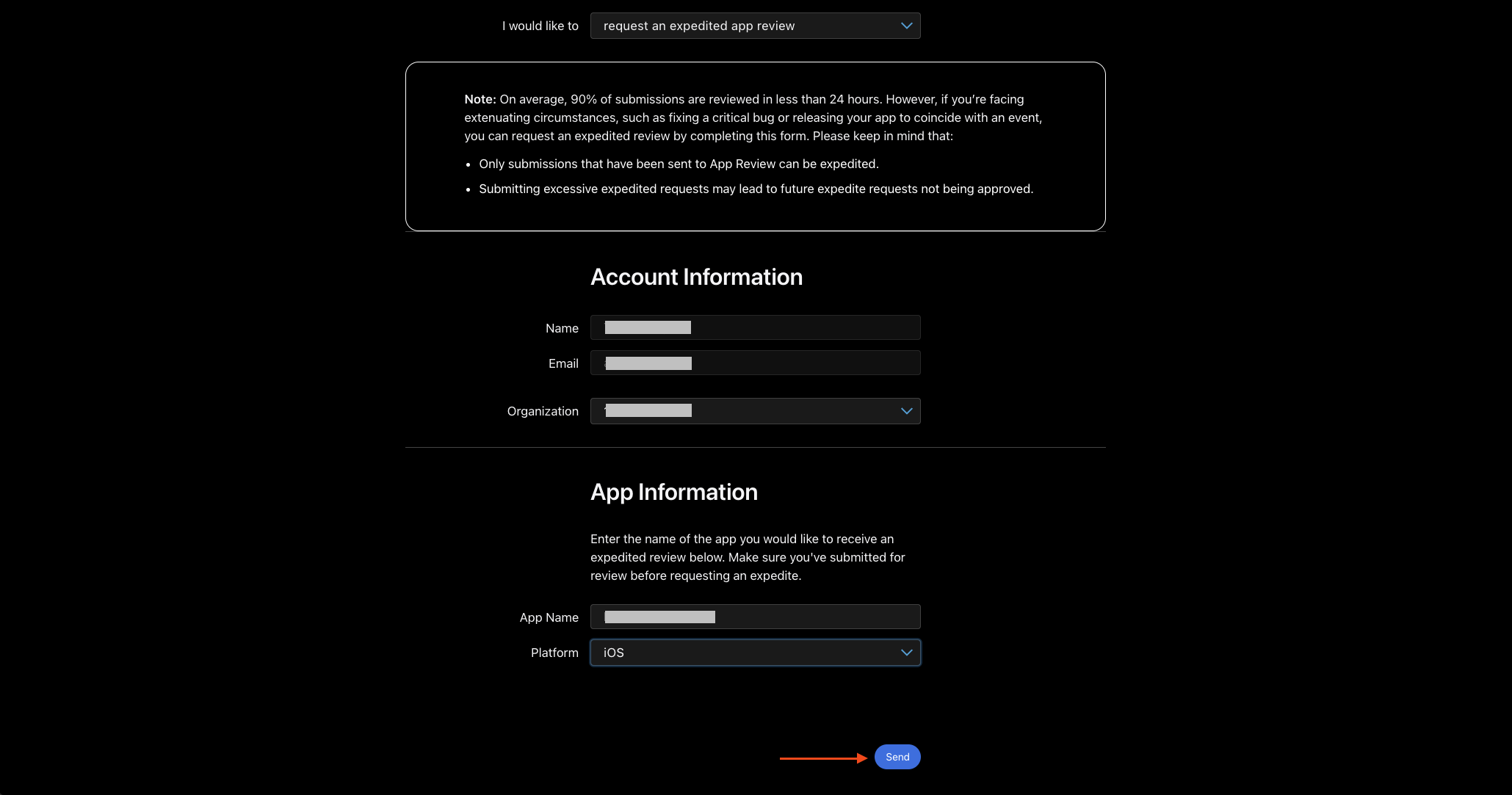
Step 5: Submit Your Request
Click Send to submit your expedited review request to Apple.
Wait for Apple's response and check your email or App Store Connect for any updates.