How to Create an Apple Developer Account
Last updated: October 23, 2025
To host an app on the 🍎 App Store, you will need to create an Apple developer account. In this lesson, we will walk you through the steps.
Note:
You will be asked to pay an annual fee of $99 to Apple, Inc. directly.
Before starting your Apple Developer enrollment, please check whether your company already has a D-U-N-S number.
The account owner role cannot be easily changed once created, so we recommend using a shared company email address or the company owner's email address and phone number during the registration process.
Follow the steps below:
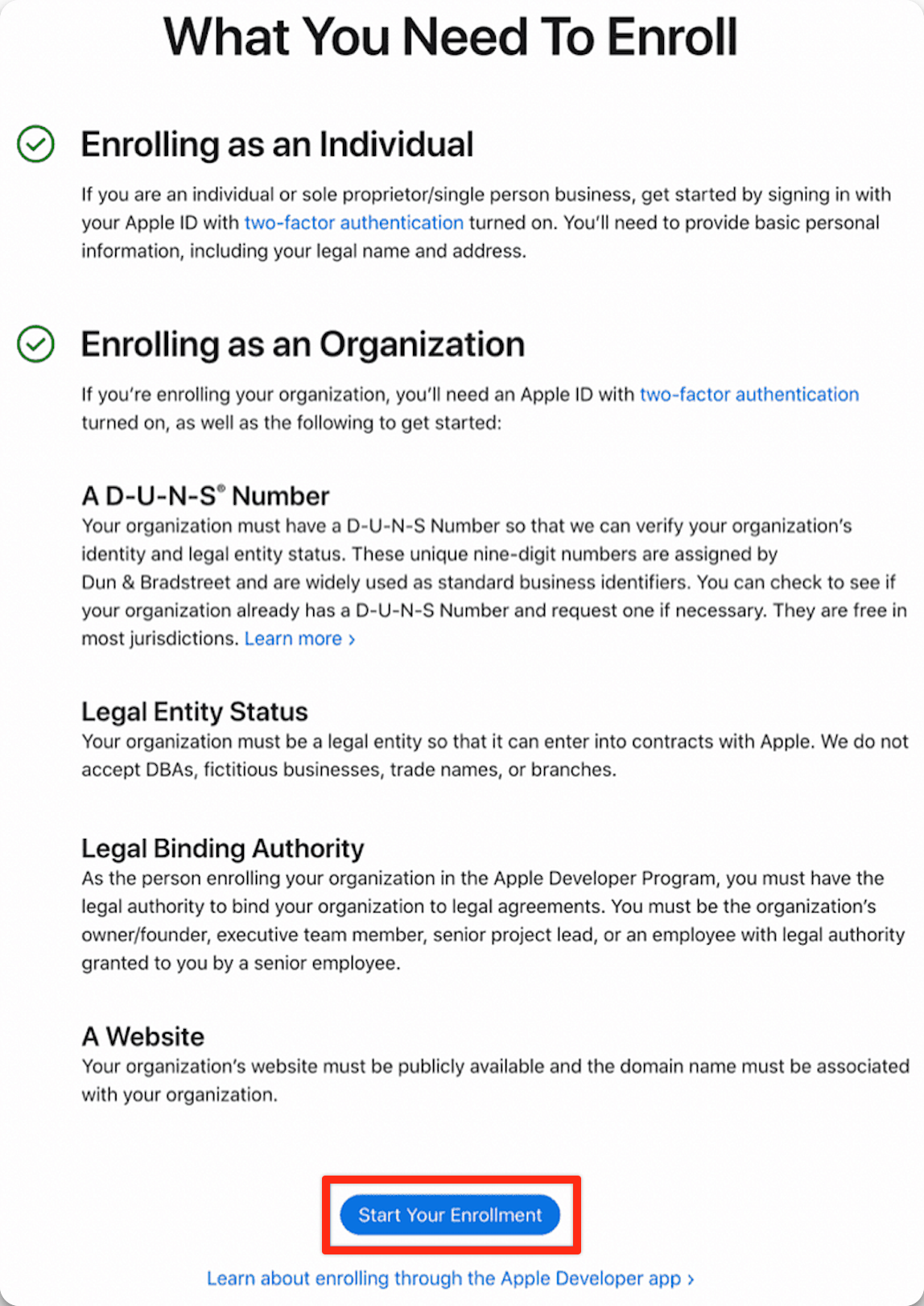
Step 1: Visit https://developer.apple.com/programs/enroll/
Step 2: Select the ‘Start Your Enrollment’ button
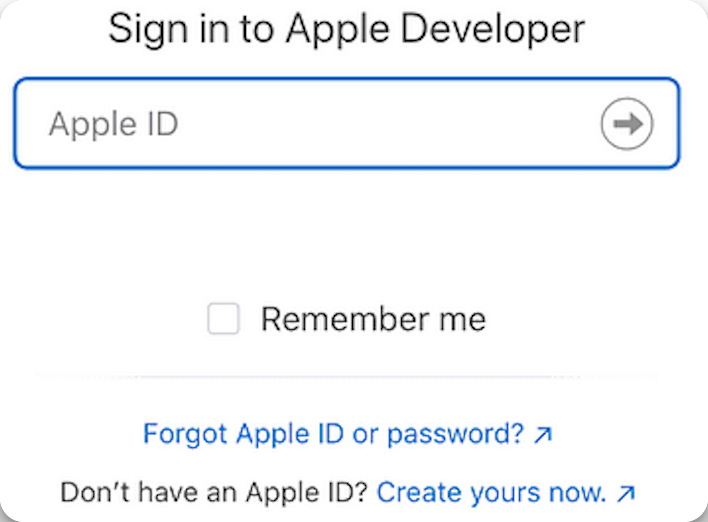
Step 3: Sign in using an existing Apple ID or click Create Apple ID to create one.
Step 3: Agree to the Apple Developer Agreement by ticking the checkbox and clicking the ‘Submit’ button located at the bottom right.
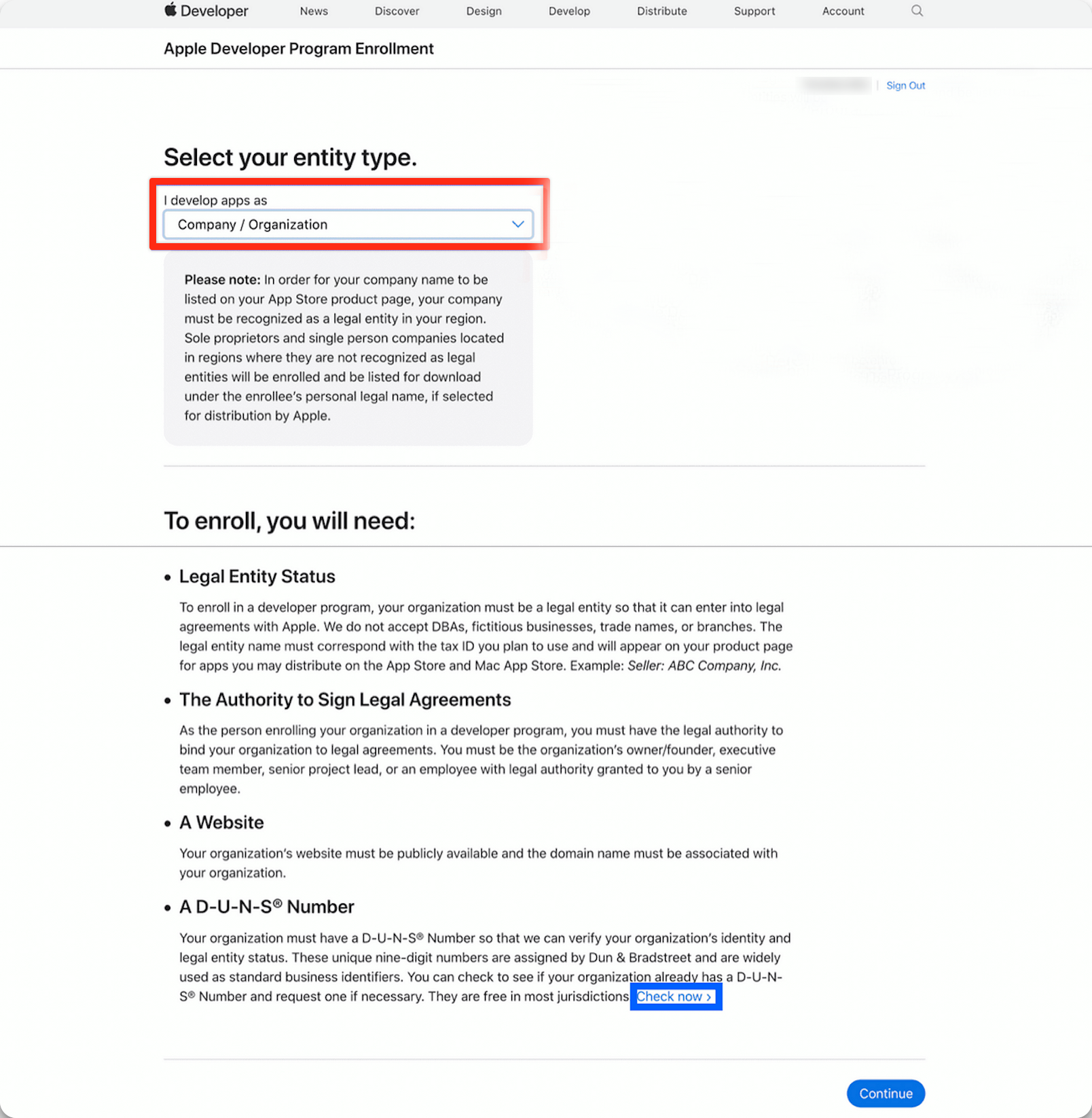
Step 4: In the ‘Select Entity Type’ section, you must choose ‘Company/Organization’ from the dropdown menu.
a) If your company has a D-U-N-S Number, click "continue."
b) If not, click "Check now" as indicated below and follow the instructions here to obtain your company's D-U-N-S Number.
Note: Please do not register as an ‘Individual/Sole Proprietor’. It is crucial to register as a ‘Company/Organization’ because we do not support Individual accounts.
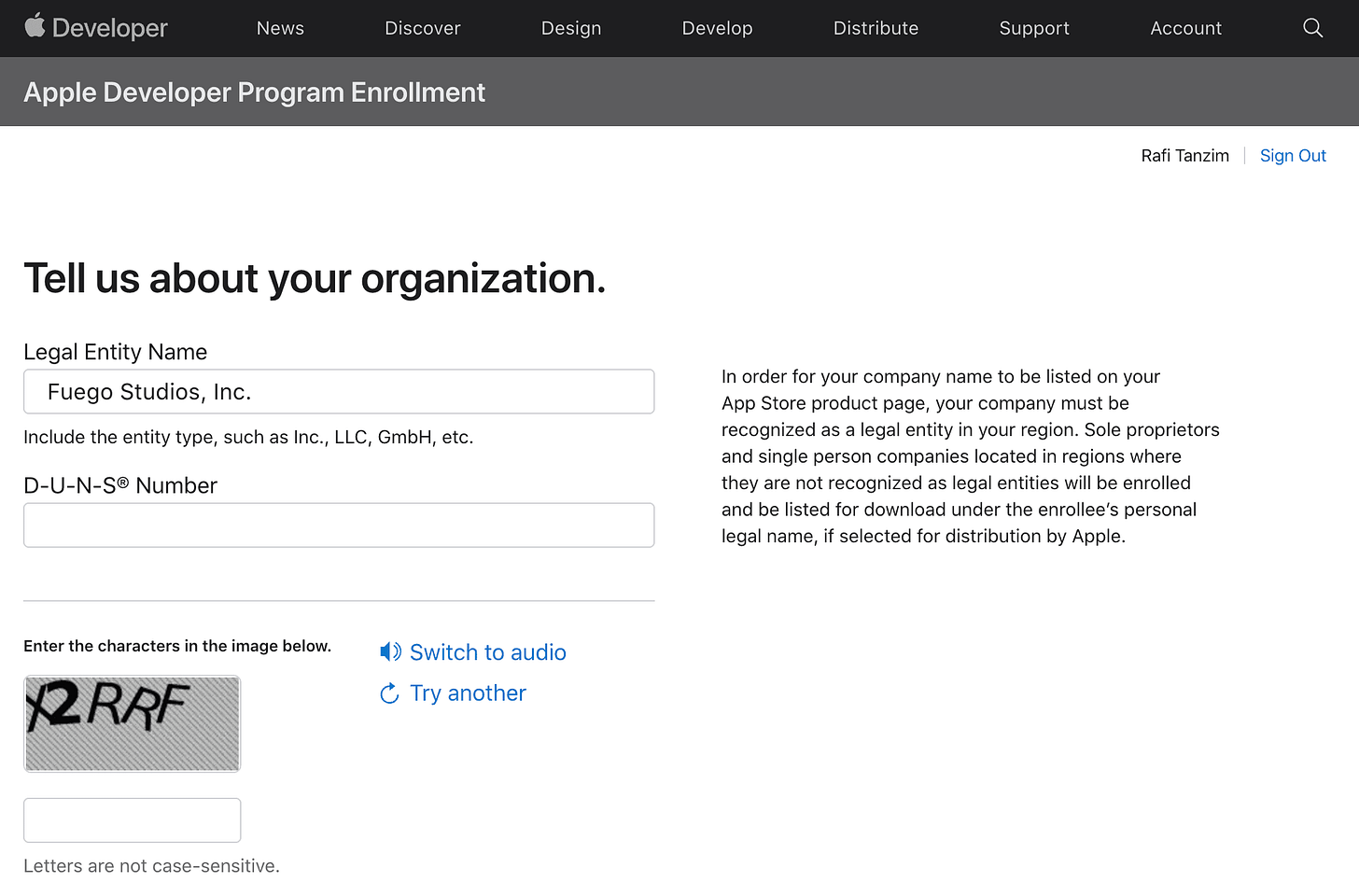
Step 5: Next, fill in your organization's details under ‘Tell us about your organization’.
Enter your Legal Entity Name and D-U-N-S number as provided in the D-U-N-S confirmation email
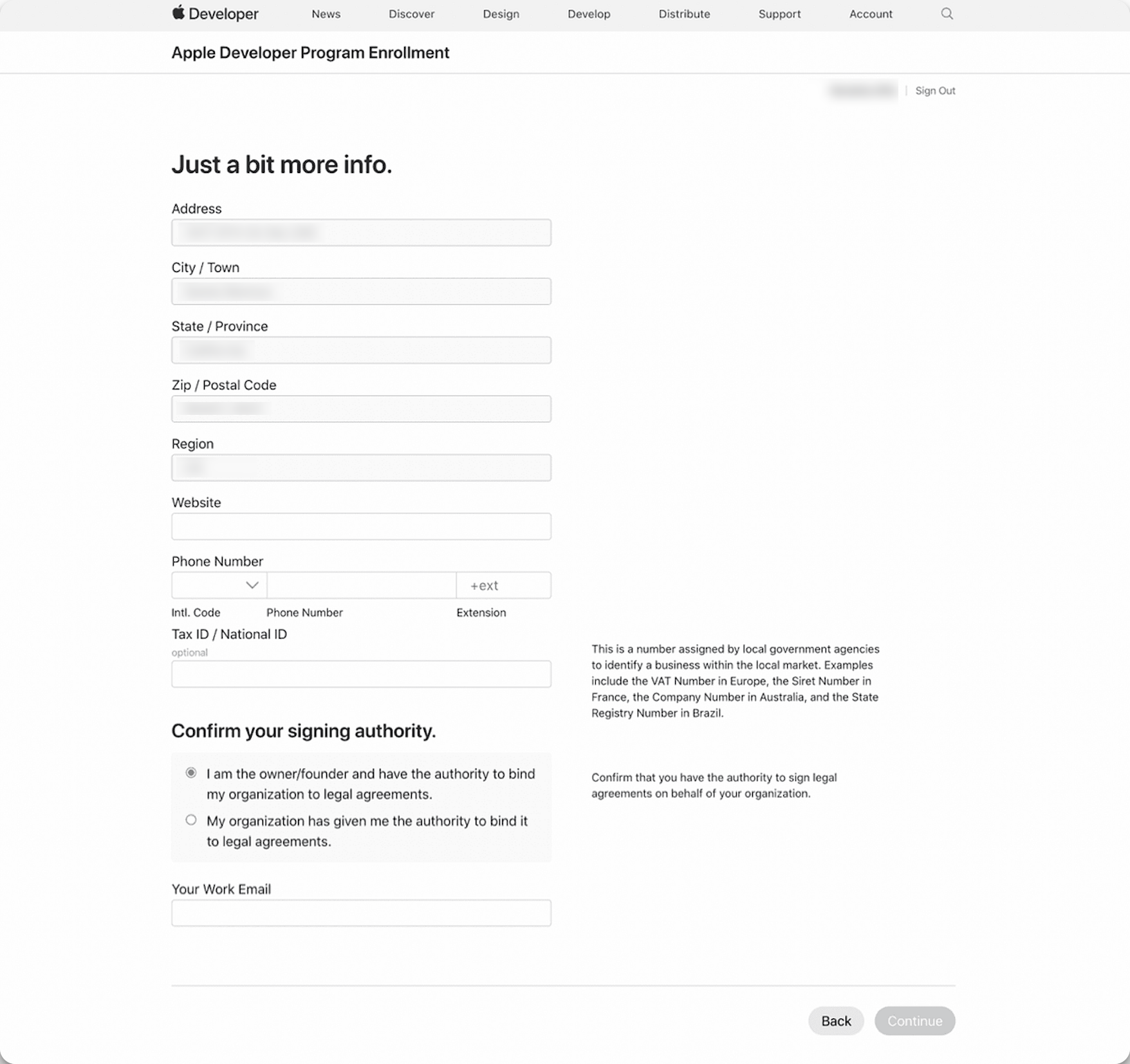
Step 6: Next, provide your personal contact information for your Apple Developer account.