How to Find Your Apple Account Holder
Last updated: July 10, 2026
Finding your Apple Account Holder helps you identify the person responsible for managing your organization's account. This is useful for renewing membership, accepting Apple agreements, and handling important account updates and administrative changes.
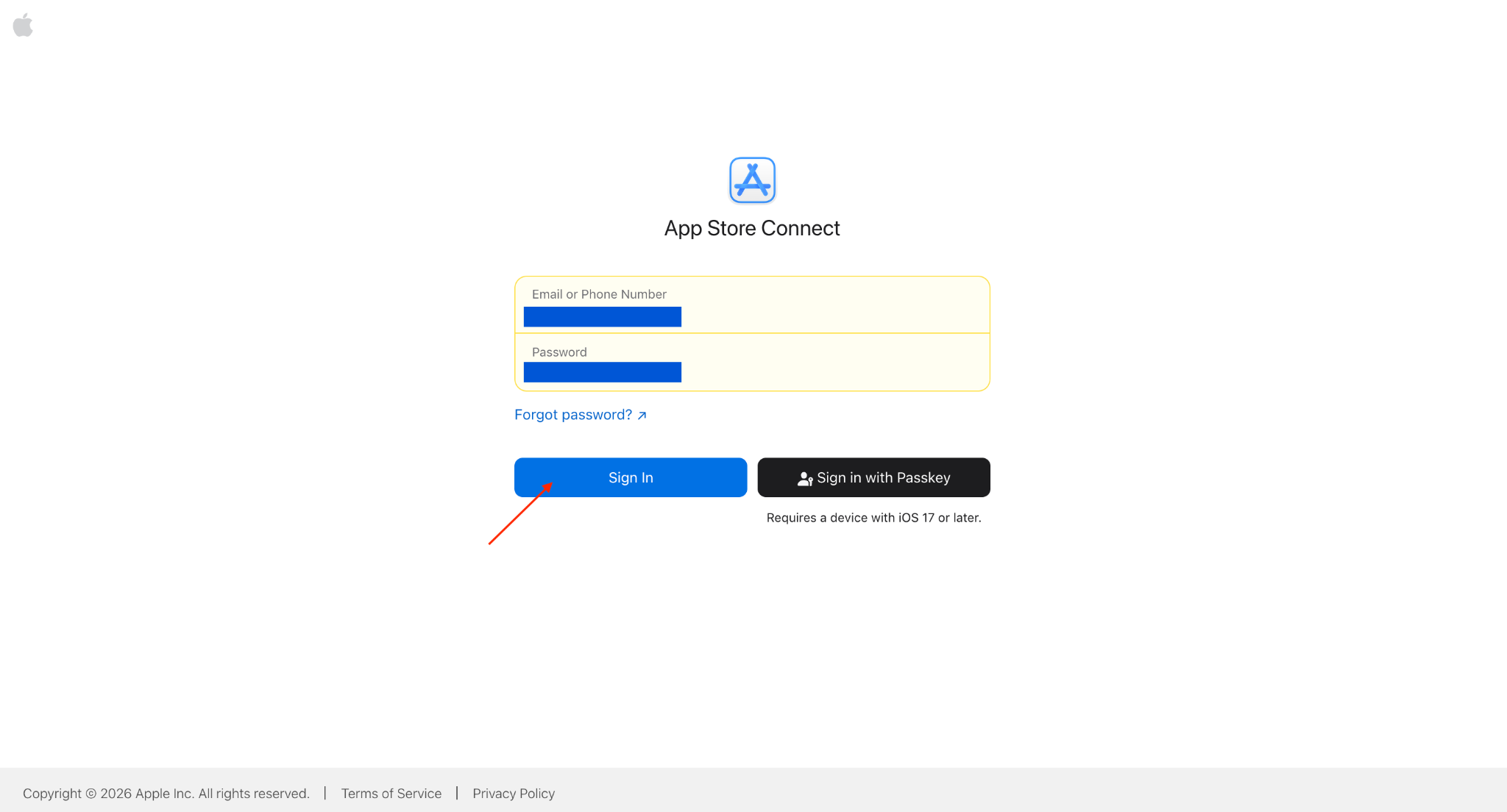
Step 1: Sign in to App Store Connect
Sign in with your Apple Developer account.
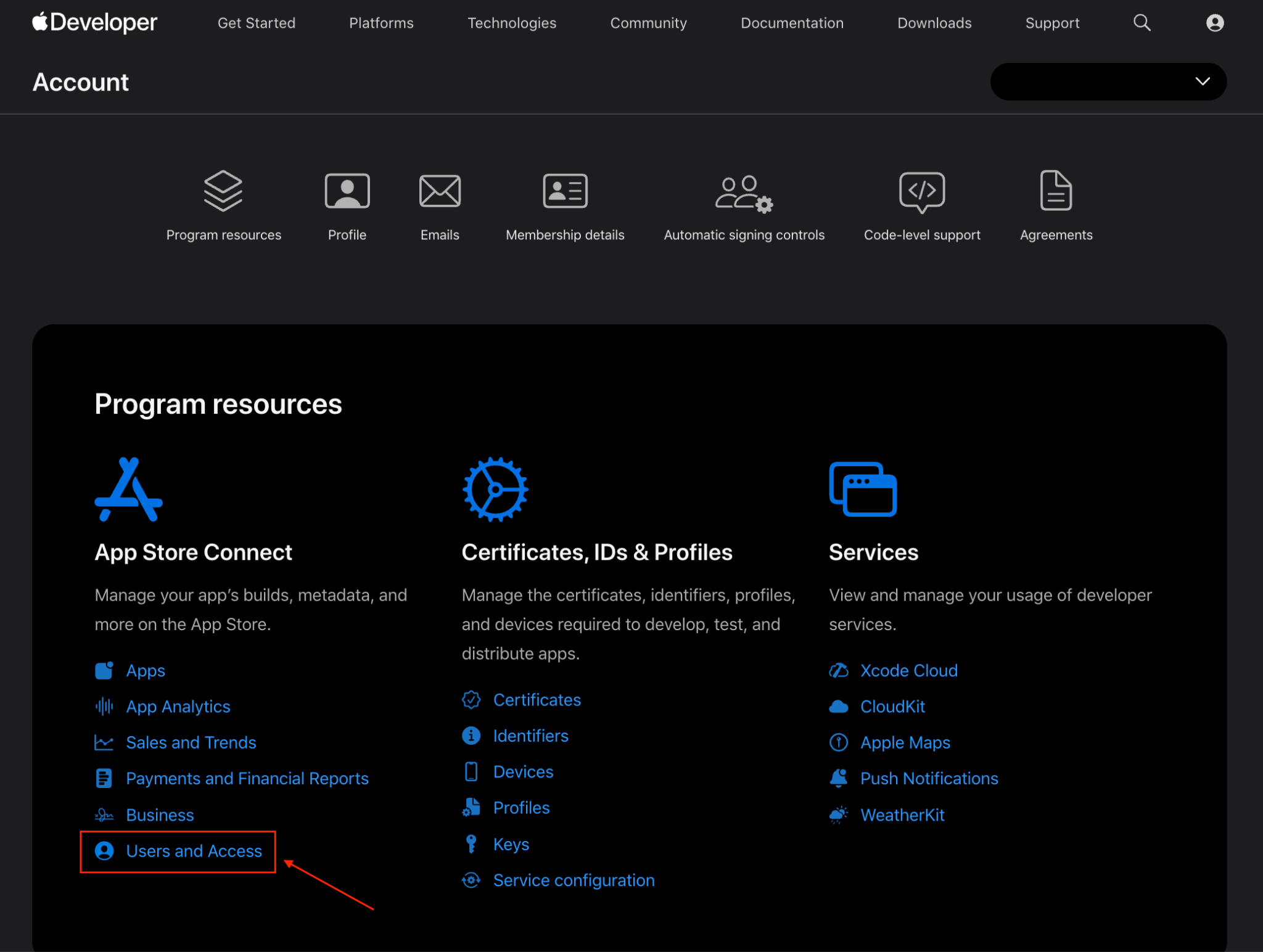
Step 2: Open Users and Access
From the App Store Connect dashboard, click Users and Access.
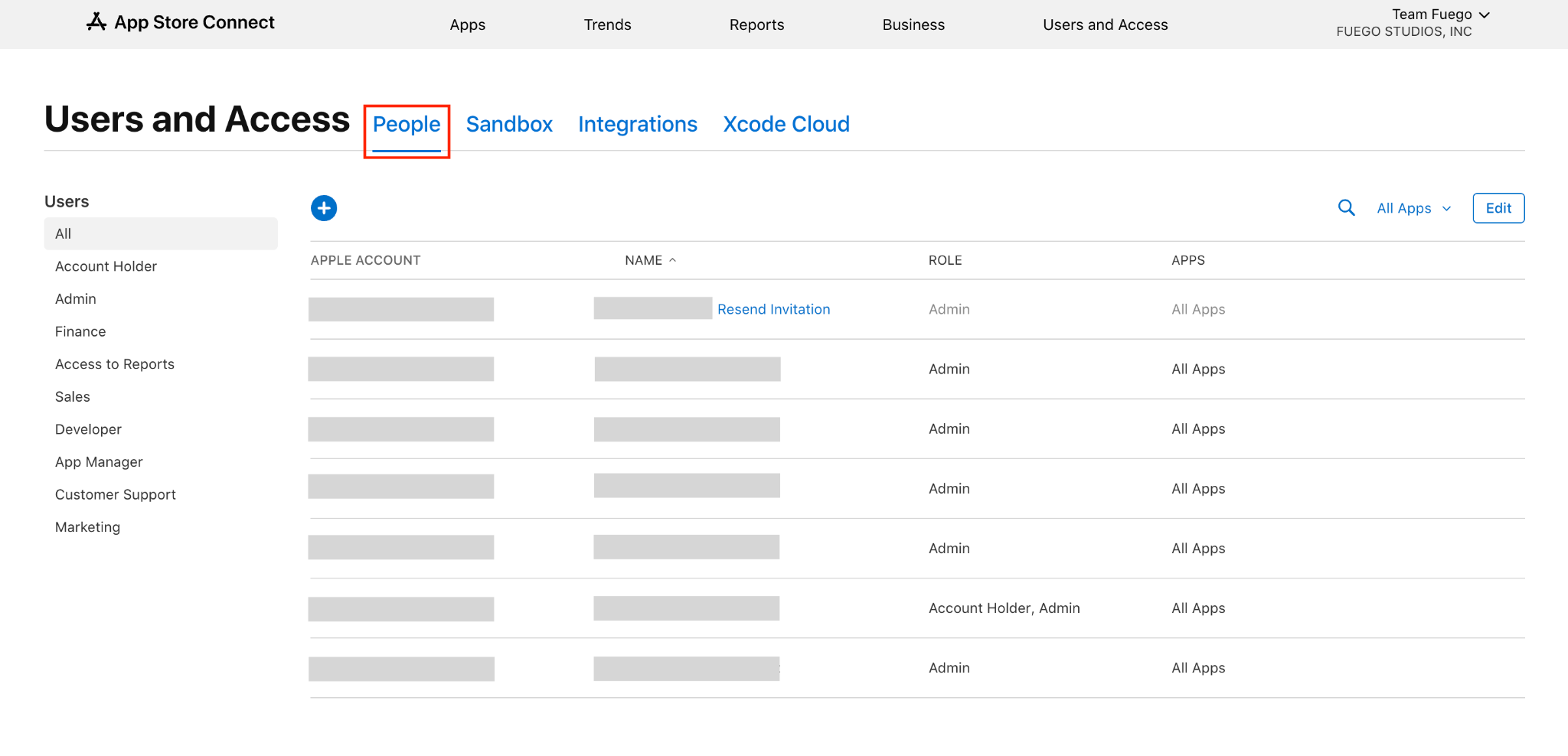
Go to the People tab.
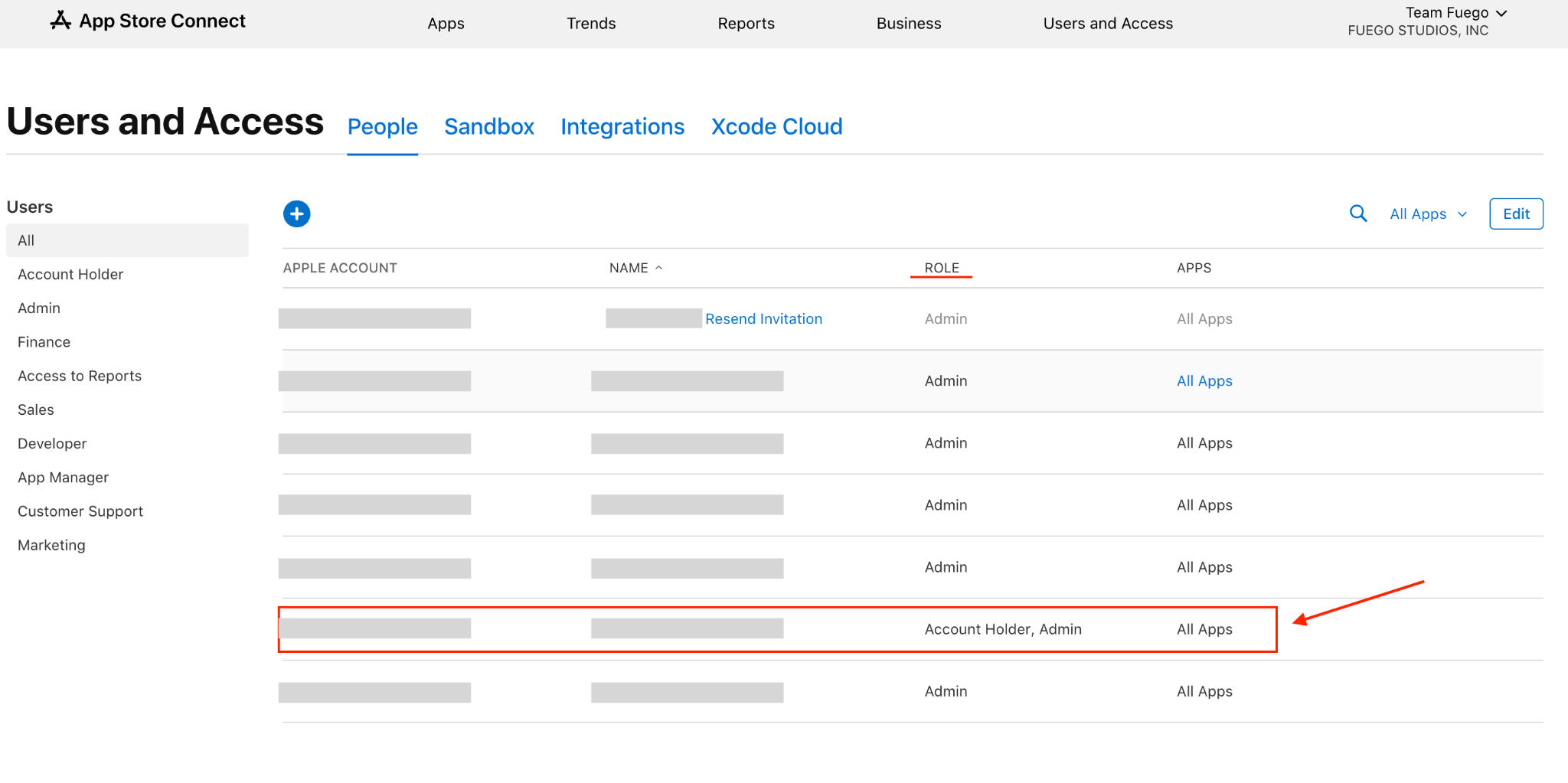
Step 3: Find the Account Holder
Review the list of users.
Identify the user whose role is Account Holder. This user has the authority to accept Apple's legal agreements.