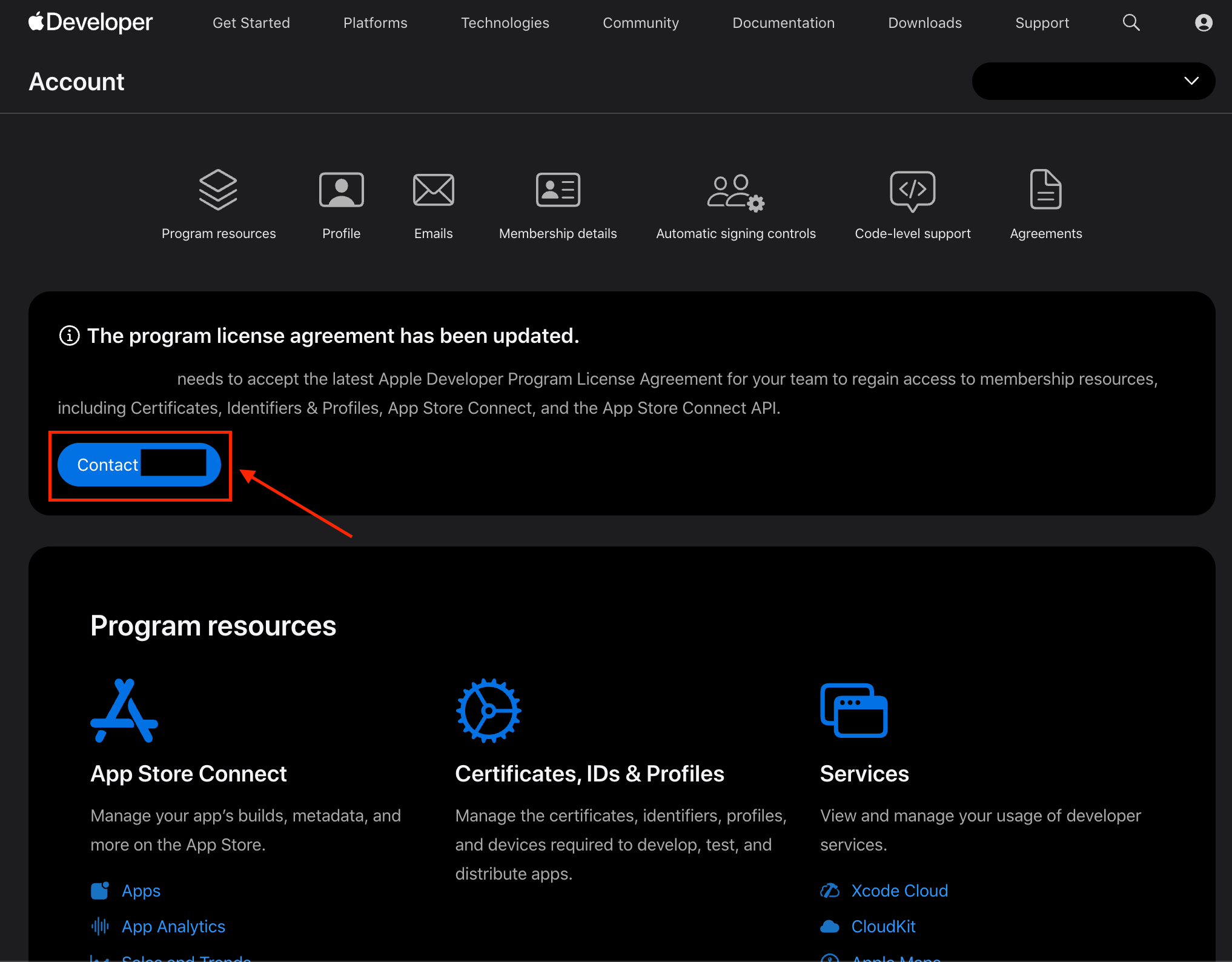
How to Accept Apple Developer Program License Agreement
Last updated: July 10, 2026
This guide walks you through the process of reviewing and accepting the Apple Developer Program License Agreement. Accepting the agreement keeps your account active and allows you to continue managing apps, submitting updates, and using Apple Developer services.
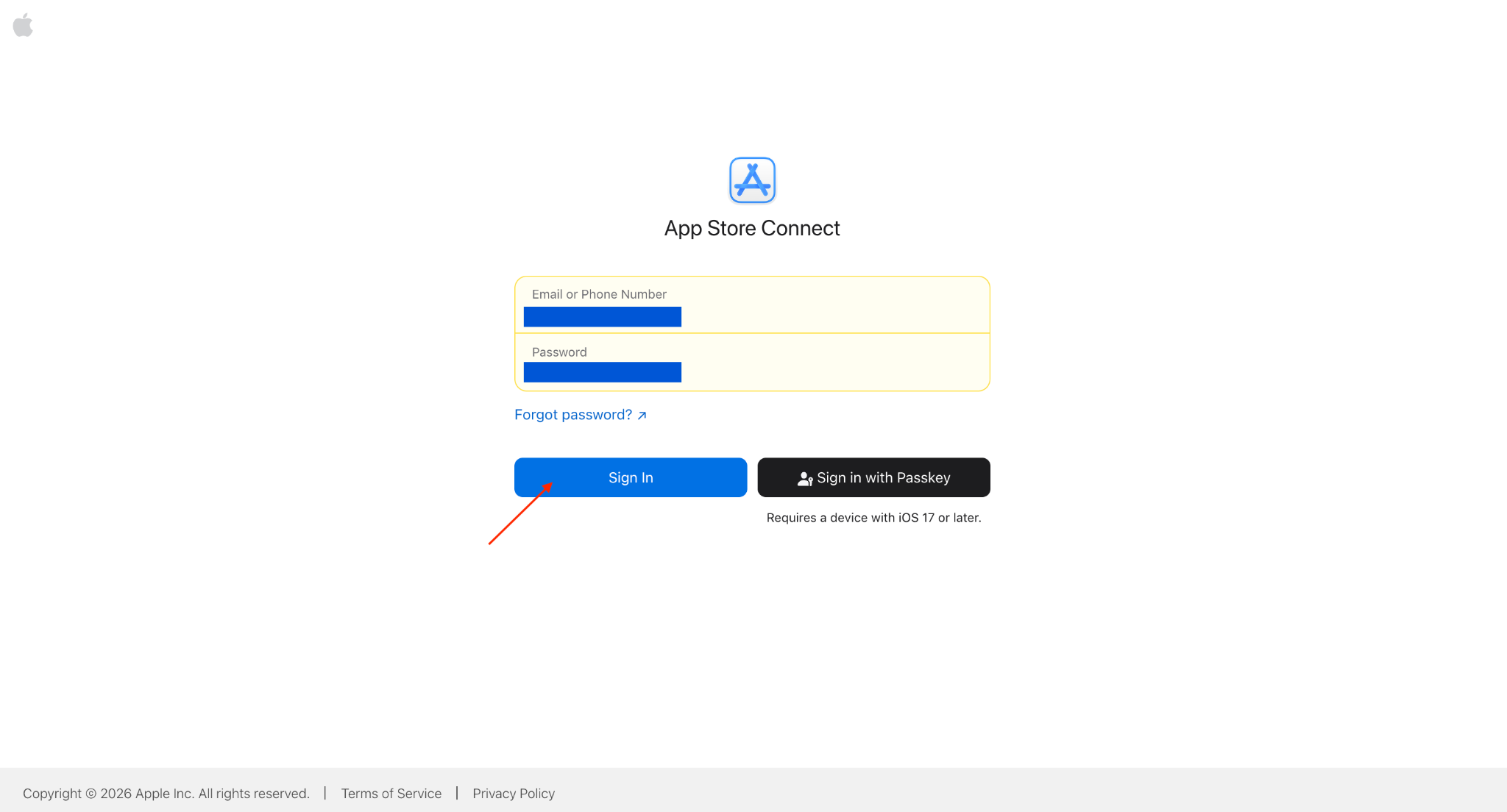
Step 1: Sign in to App Store Connect
Sign in using your Account Holder Apple Account.
Step 2: Review Pending Agreements
After signing in, look for a banner or notification indicating that there are pending agreements.
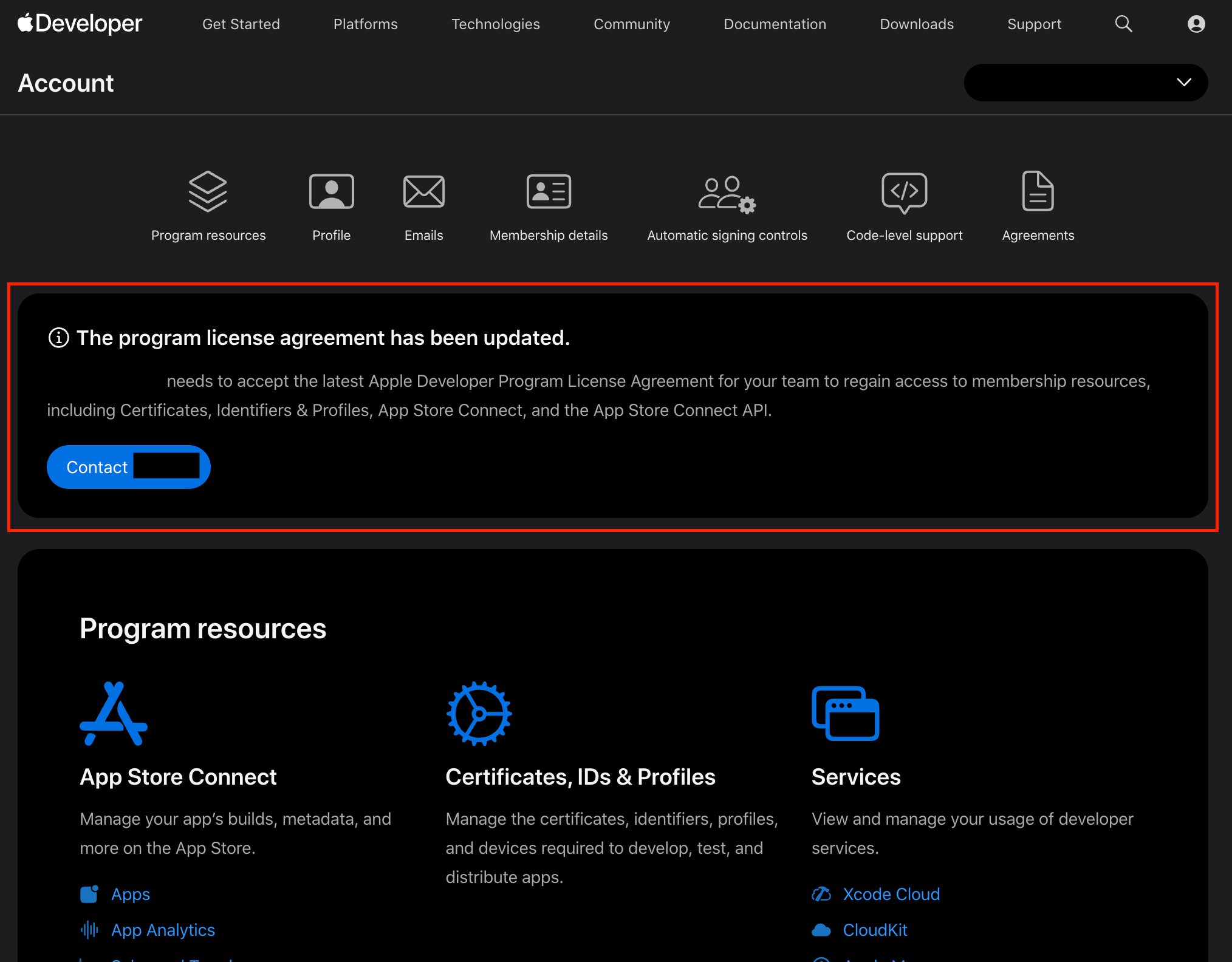
If you are the Account Holder, you will see a Review Agreement button. Click it to review and accept the pending agreements.